
My experience with the Prusa XL as a fully blind business owner
I am fully blind and run a small 3D design and printing business.
Most of what I create is centered around accessibility. I design tactile maps for blind and visually impaired people, accessible floor plans of homes before they are built, tactile emergency evacuation plans, Braille products, accessible board games, educational models, and highly detailed architectural models for museums, castles, landmarks, and historical buildings. Everything is designed from scratch, primarily in OpenSCAD, before being brought to life on a 3D printer.
As my business grew, I needed a printer with a much larger build volume. Larger tactile maps and architectural models often have to be split into many smaller pieces, which increases print time, material waste, assembly work, and ultimately cost.
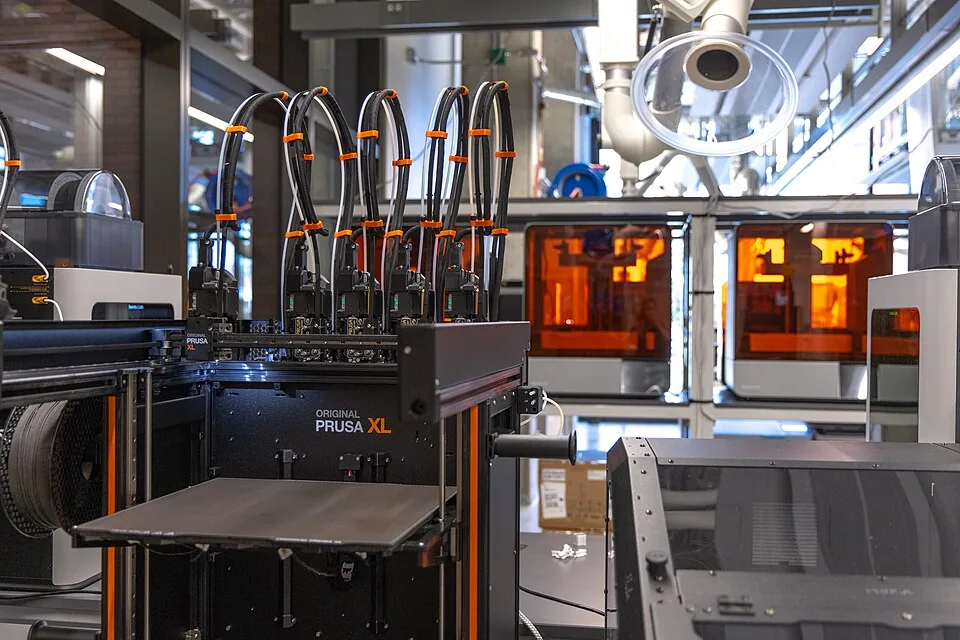
The Prusa XL seemed like the perfect solution.
A huge build volume.
Five independent toolheads.
Minimal filament waste.
An open source ecosystem.
A premium printer from a company with an excellent reputation.
It looked like exactly the machine my business needed.
.jpg)
Instead, it became one of the most expensive mistakes I have made as a small business owner.
I invested thousands into what I hoped would become the backbone of my production. Instead, I found myself spending more time calibrating, troubleshooting, adjusting, researching forum posts, and talking to support than actually printing products for customers.
Selling the machine has been almost as frustrating as owning it. At this price point there are not many buyers, and after my experience I simply wanted to move on.
As I write this review, I am waiting for my Bambu Lab H2C to arrive, hoping it will finally become the reliable large format workhorse that I originally believed the Prusa XL would be.
I also want to be completely fair.
I understand that I am not the ideal target user for this printer.
Being fully blind naturally makes certain maintenance procedures more difficult.
I accept that.
Not every product has to be designed specifically for blind users.
However, after living with the Prusa XL, I found myself asking a different question.
If I struggle this much because I am blind, how much patience would I have if I were sighted?
Because many of my frustrations have absolutely nothing to do with accessibility.
They come from engineering decisions, unnecessary complexity, inconsistent behaviour, and a machine that never truly earned my confidence.
I am not afraid of maintenance
Before anyone dismisses this review by saying that I simply do not enjoy working on printers, I want to make something very clear.
I actually enjoy maintaining my equipment.
I have no problem replacing nozzles.
I have replaced extruders.
I have changed PTFE tubes.
I have cleaned clogs.
I perform maintenance on my Bambu Lab X1 Carbon without thinking twice.
Outside of 3D printing, I have replaced components in laptops and worked on other electronics. I am perfectly comfortable taking hardware apart and putting it back together again.
Maintenance itself is not my problem.
Needlessly complicated maintenance is.
There is a huge difference between a machine that is easy to service and a machine that constantly feels like it requires servicing.
The Prusa XL too often falls into the second category.
Many maintenance procedures feel as though they were designed by engineers chasing the most technically elegant solution rather than the most practical one.
I never felt intimidated by the maintenance.
I simply kept asking myself why everything had to be this complicated.
Even changing a nozzle feels over engineered
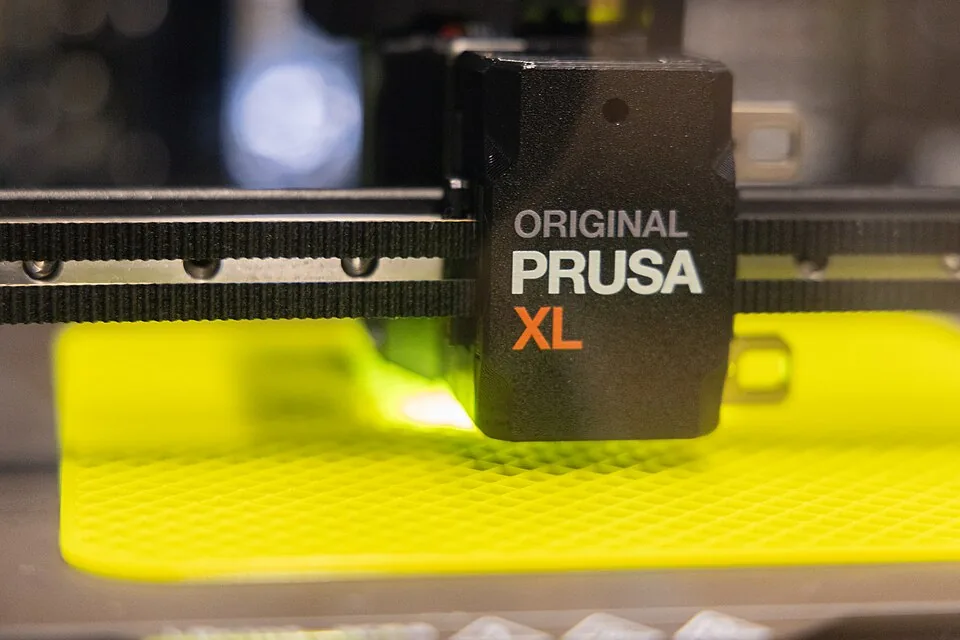
Changing a nozzle should be one of the simplest maintenance procedures on any printer.
On the Prusa XL, it feels like performing surgery.
You need two tools.
One wrench has to prevent the heater block from rotating.
The other loosens the nozzle by turning it counter clockwise.
Every movement makes you wonder whether you are applying too much force or twisting something that should not be twisted.
Compared to modern quick change systems, it feels unnecessarily complicated.
It perfectly summarizes my experience with the entire machine.
.jpg)
Nothing is impossible.
Almost nothing feels simple.
Calibrations that never inspired confidence
The calibration process has honestly been one of the most frustrating parts of owning this printer.
Take the fan calibration on my machine.
I could often run it twice successfully.
Run it a third time and it would suddenly fail.
Run it again and it might pass.
There was never any obvious explanation.
The result was that I stopped trusting the calibration itself.
Did it actually pass because everything was correct?
Or did it simply decide to pass this time?
Then there is the load cell nozzle test.
To this day I still do not understand what Prusa actually expects the user to do.
Do you tap the nozzle?
Push it?
Rub it?
Scratch it?
How much force should you use?
From which direction?
The instructions never made that clear.
The outcome often felt random rather than repeatable.
When a calibration succeeds, you should feel confident.
Instead, I often felt relieved.
Those are two very different feelings.
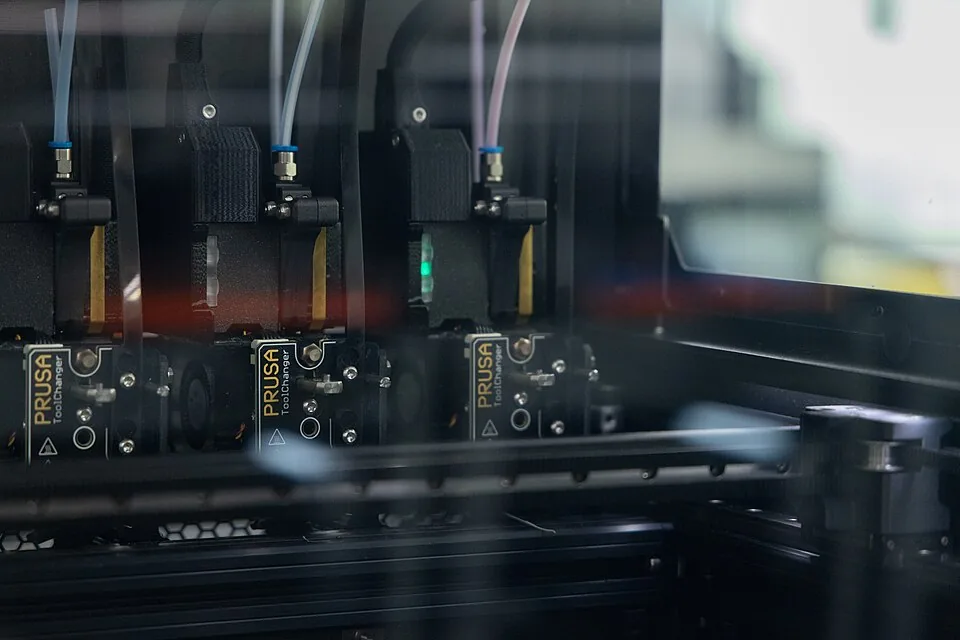
Tool offset calibration
The tool offset calibration became another chapter in the story.
First you install the calibration pin.
Then you hope the printer actually detects it.
If it does not, you receive vague error messages that explain very little.
I eventually replaced the original nozzle with an E3D DiamondBack nozzle.
After a great deal of troubleshooting, Prusa Support informed me that the DiamondBack nozzle requires manual XY calibration.
That sounds simple until you discover what it actually means.
You print a calibration pattern.
Then you visually inspect tiny printed lines.
Then you manually determine which offset looks best.
As a blind person, that process is effectively impossible without another person's eyes.
Even if I were sighted, I still struggle to understand why a premium printer requires this level of manual intervention.
At this price point, I expected the machine to calibrate itself.
.jpg)
Instead, I found myself printing test patterns and manually inspecting them.
Dock calibration
Then comes dock calibration.
Honestly, who designed this?
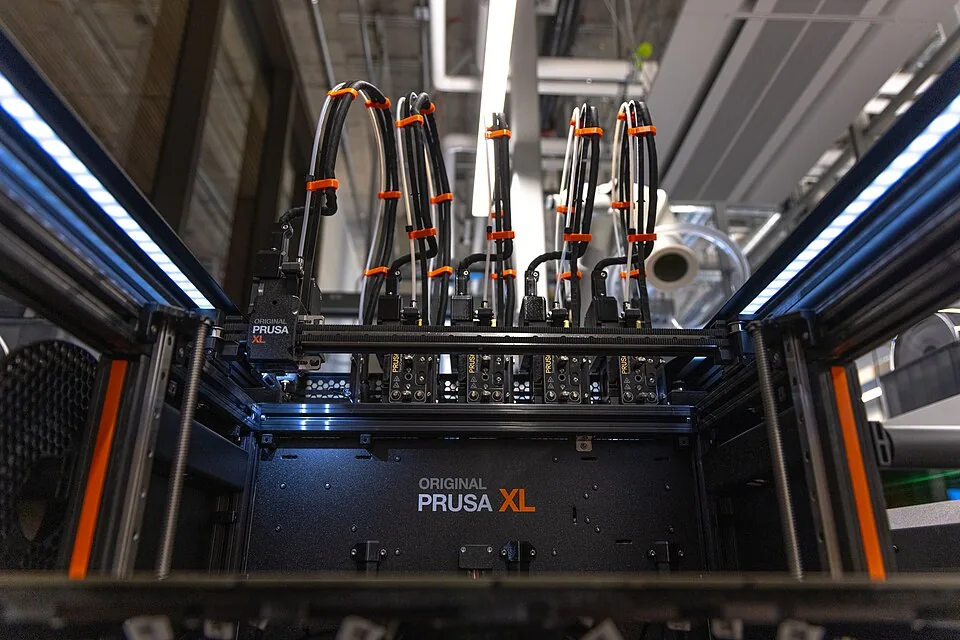
Trying to reach the adjustment points inside the machine feels awkward and cramped.
Everything is hidden behind toolheads, PTFE tubes, cables, and tight clearances.
.jpg)
Nothing about the design suggests that maintenance was a priority.
It feels like the machine was engineered first and only afterwards somebody asked how customers would actually service it.
PTFE tubes
The PTFE tubes became another recurring frustration.
They can work themselves loose.
They require attention.
They introduce another possible failure point into an already complicated system.
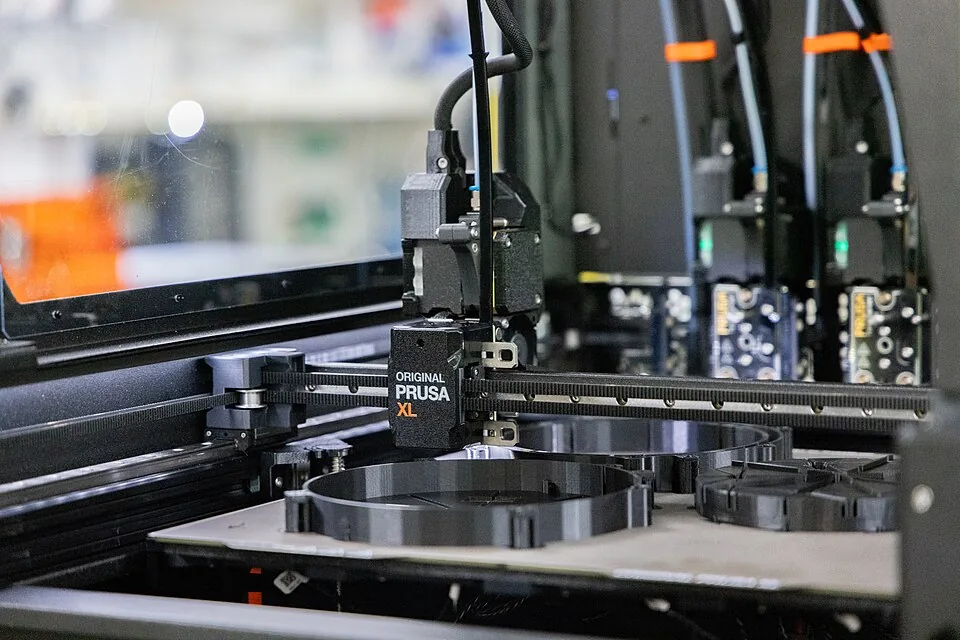

Individually these issues are not catastrophic.
Collectively they create a printer that constantly demands your attention.
Software frustrations
Not all of my frustrations came from the hardware.
Some came from the software.
One example happened when I changed the nozzle size inside PrusaSlicer from 0.4 mm to 0.8 mm.
That single change silently reset my profile back to the default configuration.
In doing so, it effectively removed the filament profile matching what was physically loaded in the printer.
The printer suddenly behaved as though no compatible filament existed.
It simply became stuck because it no longer understood what material had been loaded.
Changing one setting should never silently alter another unrelated setting without clearly informing the user.
It took me far longer than it should have to understand what had actually happened.
The online documentation
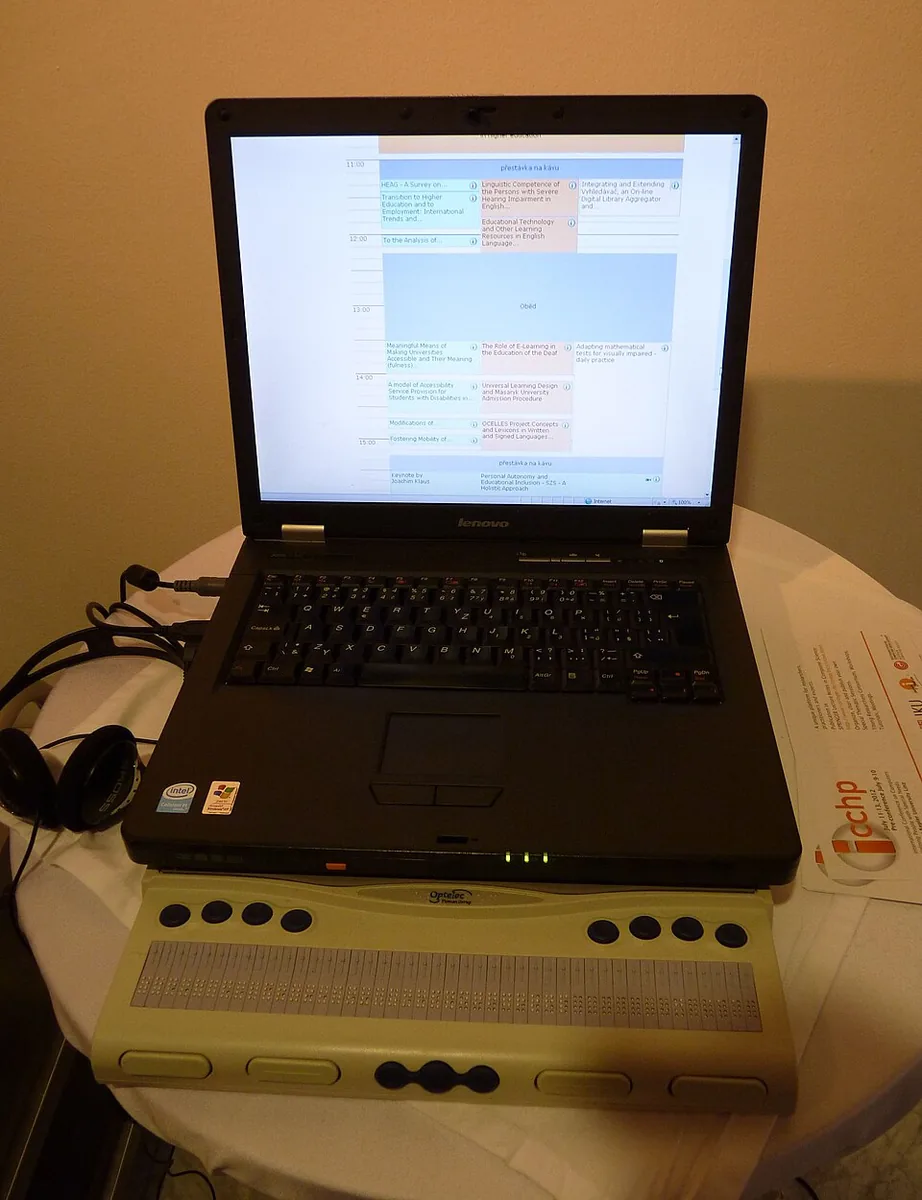
As someone who relies entirely on screen readers, I also need to mention the online documentation.
In my experience, it is effectively inaccessible.
Many repair guides rely almost entirely on photographs.
The instructions frequently say things such as "adjust it until it looks like this" or "verify that it matches the picture."
There is very little meaningful alternative text.
Very little detailed written explanation.
Whenever something went wrong, I often found myself unable to repair it independently because the documentation assumed I could see.
For a company that prides itself on openness and community, I found this particularly disappointing.

The biggest problem was trust
More than anything else, I never learned to trust this printer.
That is perhaps the biggest criticism I can make.
Professional equipment should disappear into the background.
You start a print.
You walk away.
You expect it to finish.
I never reached that point with the Prusa XL.
Whenever I started a print that would run for one or two days, I constantly worried.
Would another calibration fail?
Would a tool refuse to dock?
Would a sensor suddenly decide something was wrong?
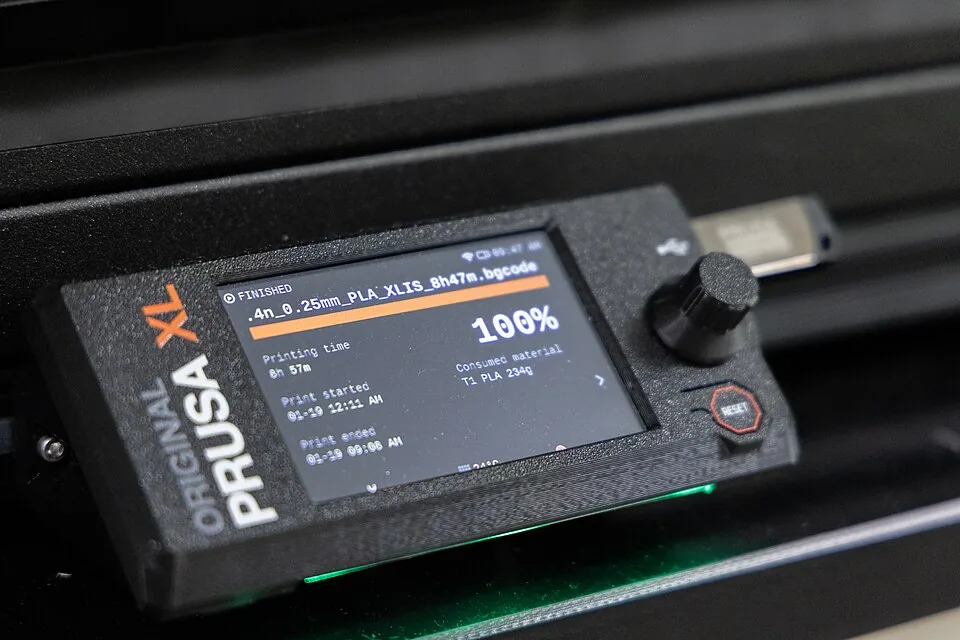
One issue that particularly concerned me involved the filament sensors.
I experienced situations where the printer believed filament was still loaded when it actually was not.
That creates a frightening situation.
The printer can continue moving through an entire print while nothing is actually being extruded.
For long production jobs, that completely destroys confidence in the machine.
Instead of sleeping peacefully while a two day print was running, I found myself wondering what I would wake up to.
That is not a feeling I want from equipment that my business depends on.
.jpg)
My thoughts on the open source philosophy
This is probably the section that will upset the most people.
I genuinely like open source.
I appreciate transparency.
I appreciate community driven development.
I appreciate the ability to improve products.
But there is a difference between being open source and expecting customers to finish the product.
Too often, the Prusa XL feels less like a finished commercial machine and more like a premium priced prototype.
When something goes wrong, the answer is often buried in a forum thread.
Someone has printed an improved part.
Someone has written a workaround.
Someone has modified the hardware.
Someone has developed an unofficial fix.
And somehow this is considered normal.
I genuinely struggle to understand that mindset.
Customers spend a significant amount of money on a premium printer.
Then they spend countless hours discovering bugs, documenting issues, testing workarounds, creating improvements, and effectively helping Prusa improve the machine.
Even more surprising is that many people seem genuinely happy to do it.
Personally, I find that bizarre.
I bought a printer because I wanted to manufacture products for my customers.
I did not buy a printer so I could become part of Prusa's quality assurance department.
Open source should mean that a great product can become even better through community contributions.
It should not become an excuse for shipping something that still feels unfinished.
Throughout my ownership I could never shake the feeling that I had paid premium money to become an early adopter of a product that still needed years of refinement.
Comparing it with my Bambu Lab X1 Carbon
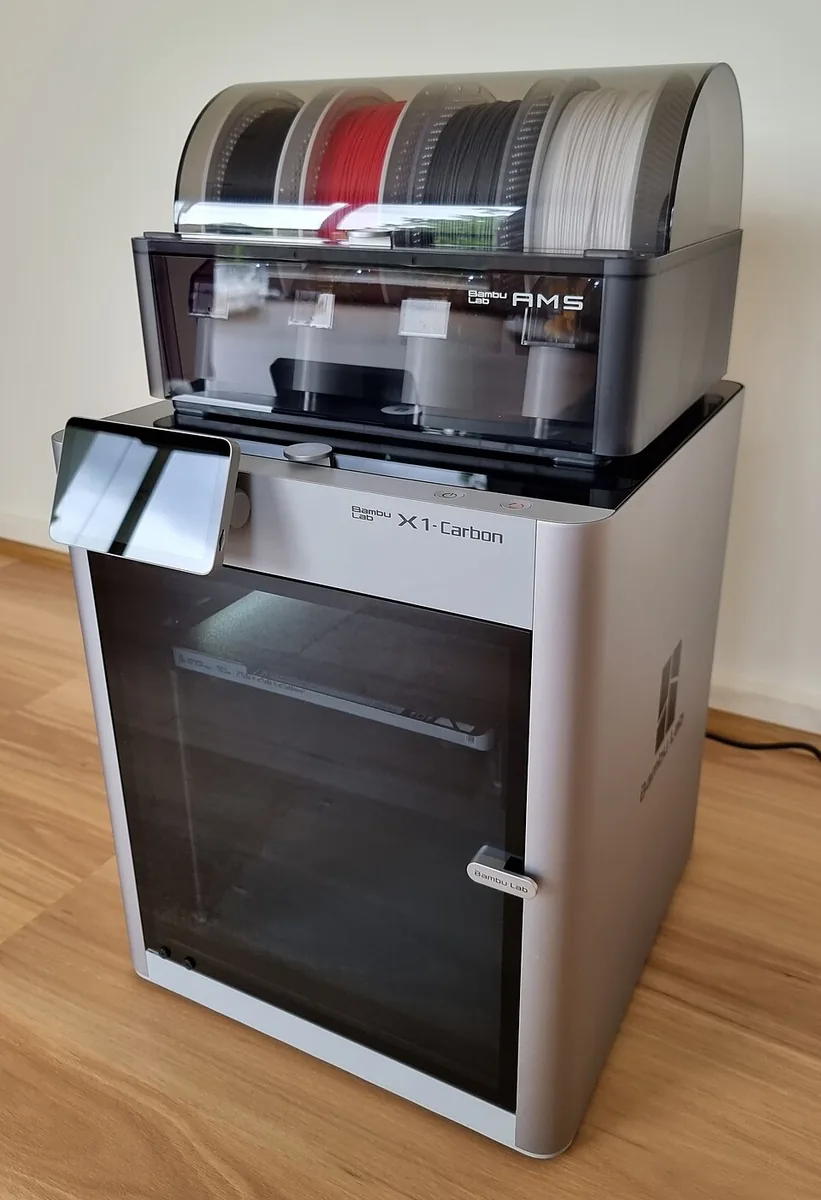
The comparison that ultimately convinced me to move on was my Bambu Lab X1 Carbon.
I have owned it for roughly three years.
It has printed hundreds upon hundreds of jobs for my business.
It has worked through evenings, weekends, and long production runs.
It has simply continued printing.
Of course, no printer is perfect.
But the X1 Carbon earned something the Prusa XL never did.
My trust.
When I send a print to the X1 Carbon, I expect it to finish.
I rarely think about it again.
It has become a true workhorse.
That is exactly what professional equipment should be.
.jpg)
The Prusa XL never became that machine for me.
Instead, it became the printer I constantly worried about.
Final thoughts
The most frustrating thing about the Prusa XL is that the core idea is brilliant.
Independent toolheads.
Minimal purge waste.
Large format printing.
An open source philosophy.
On paper, it sounds like one of the best printers ever designed.
Unfortunately, my ownership experience never matched that promise.
I understand that I am not the perfect user for this printer.
Being fully blind certainly made some procedures more difficult.
But my blindness did not create most of these frustrations.
It simply amplified them.
The real issues, in my experience, are unnecessary complexity, over engineered maintenance procedures, inconsistent calibration behaviour, inaccessible documentation, and a machine that never earned my confidence.
I wanted this printer to become the backbone of my business.
Instead, it became one of the most expensive mistakes I have made.
For that reason, I cannot recommend the Prusa XL.
Not for blind users.
And based on my own experience, I would struggle to recommend it to many sighted users either.
I sincerely hope Prusa succeeds in refining the concept, because I still believe the idea behind the XL is outstanding.
But an outstanding idea is not enough.
A premium machine should feel finished.
Mine never did.
Comments
Leave a comment